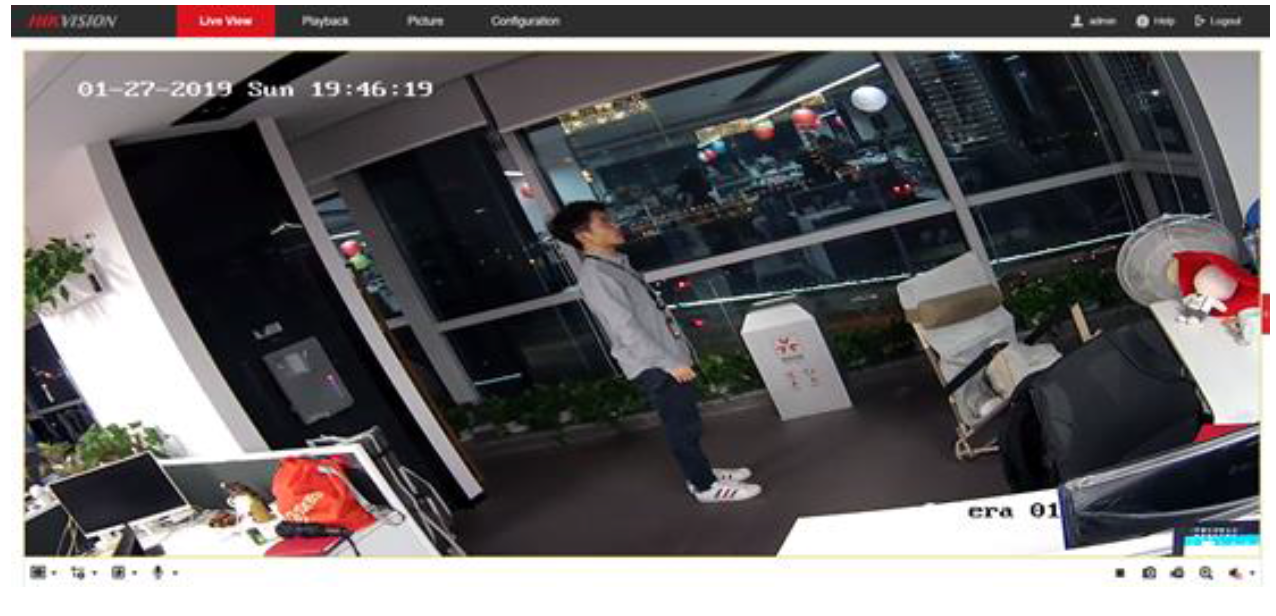
First check the specifications of the camera to confirm it supports PIR Function.
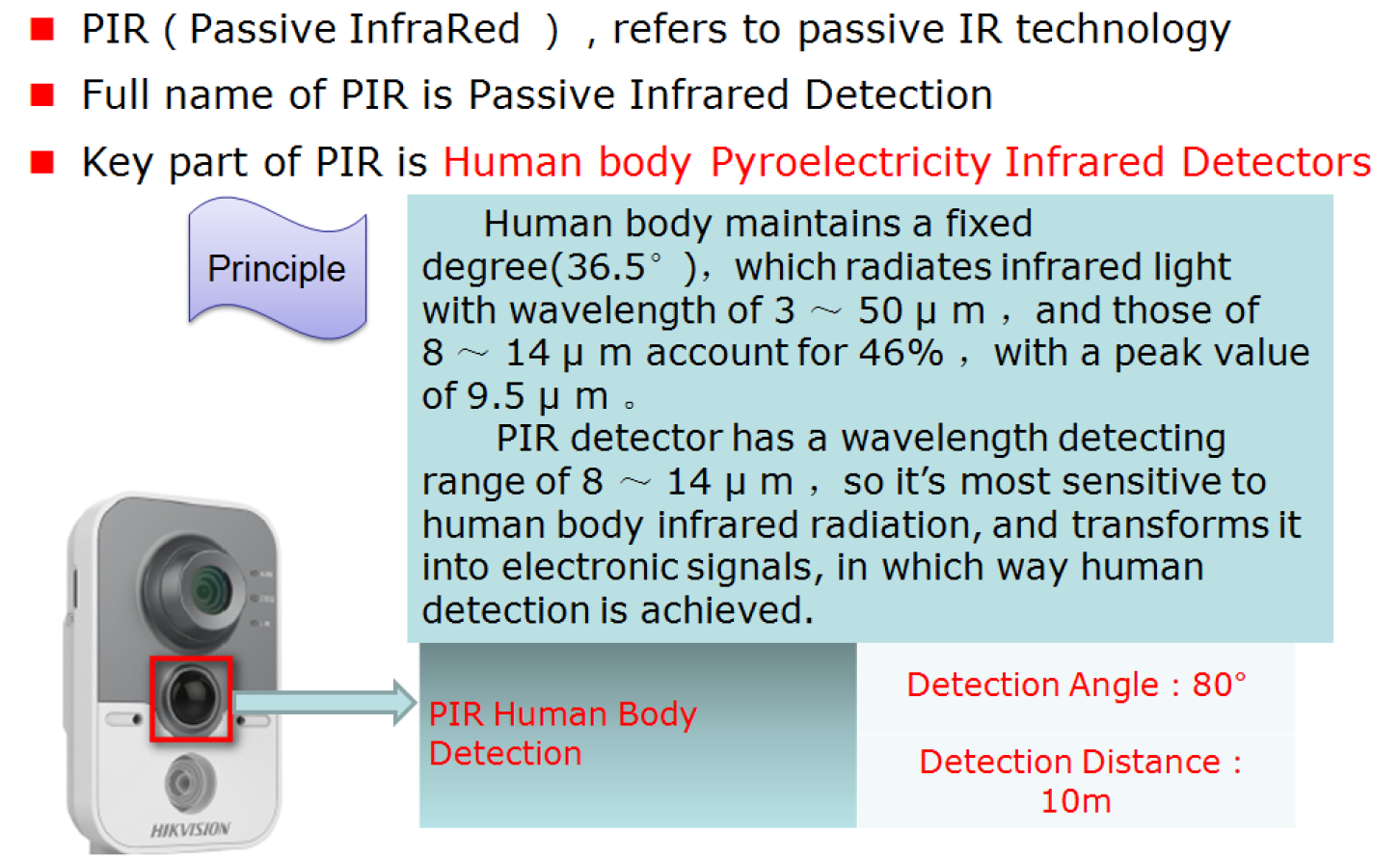
Introduction of PIR:
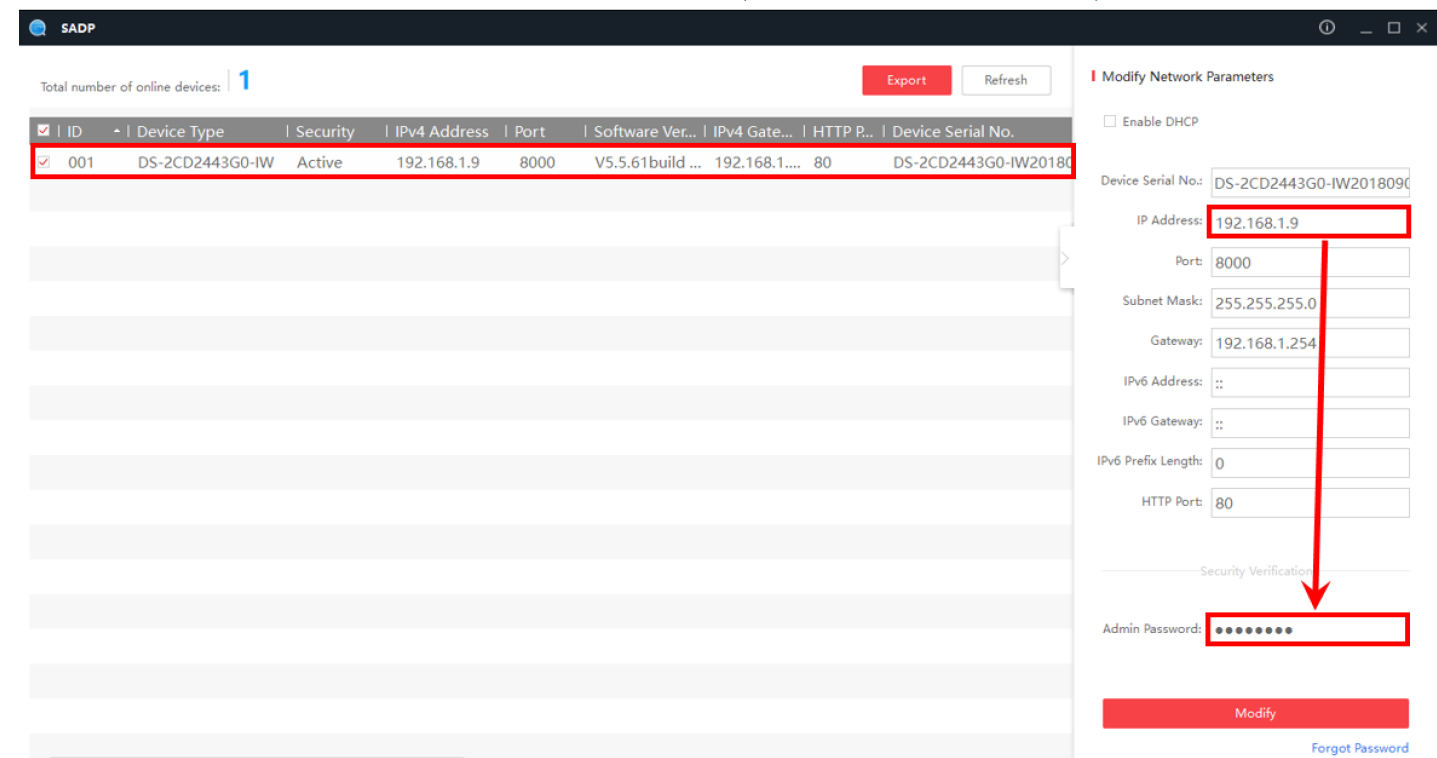
1. Run SADP software and then all IP cameras in same LAN will be shown in software. Set the IP address for camera(Such as 192.168.1.9).
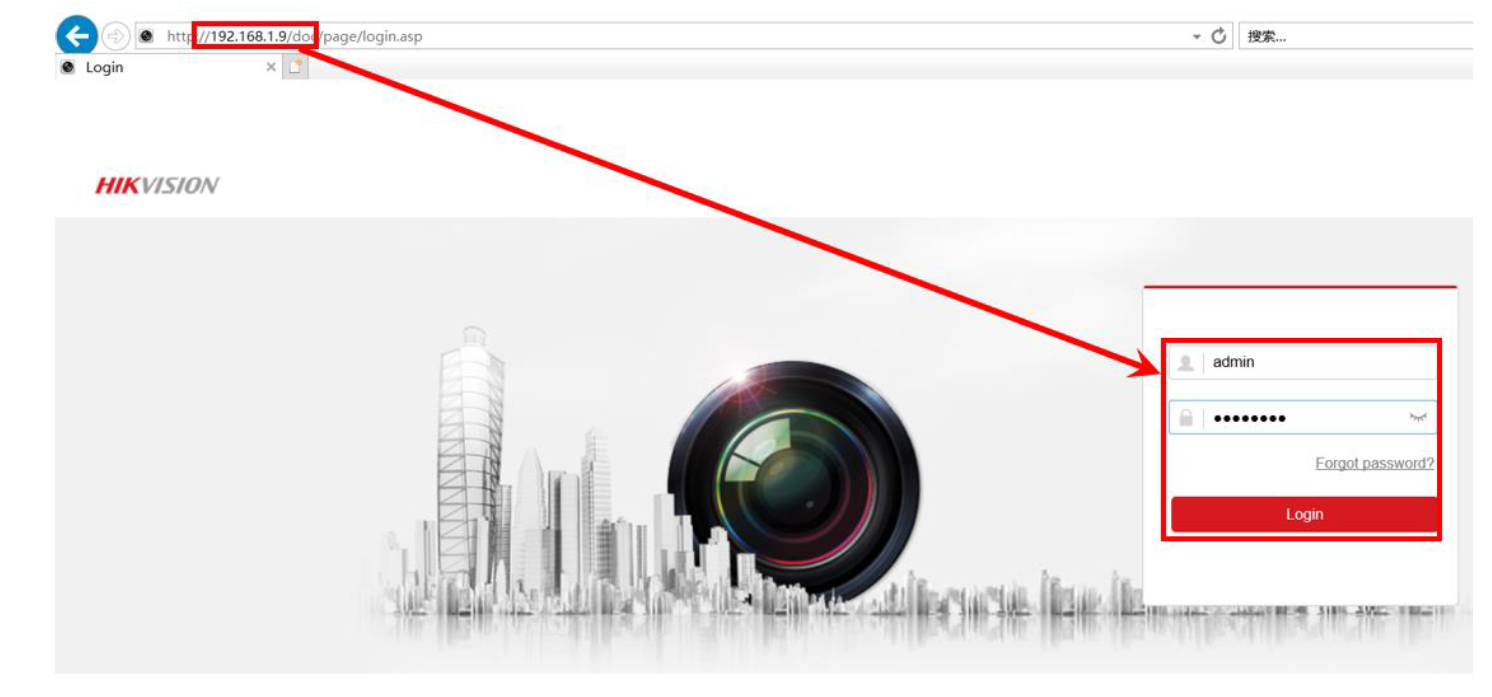
2. Input the IP address such as 192.168.1.9 in IE browser to login it.
3. Go to Configuration> Advanced Configuration> Events> Other Alarm, enable PIR Alarm.
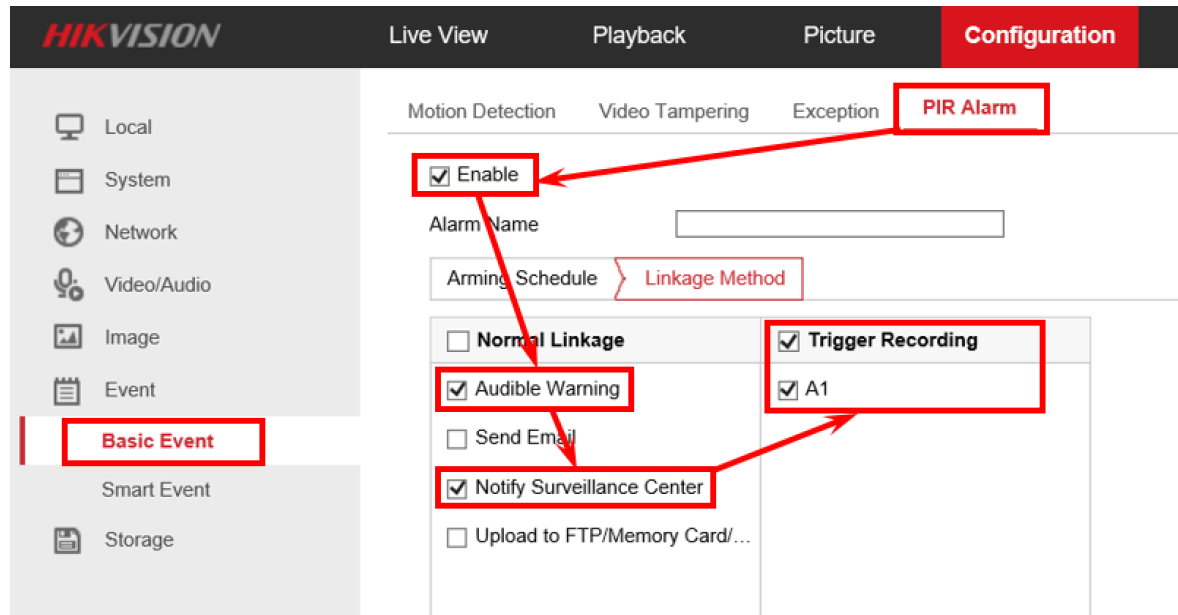
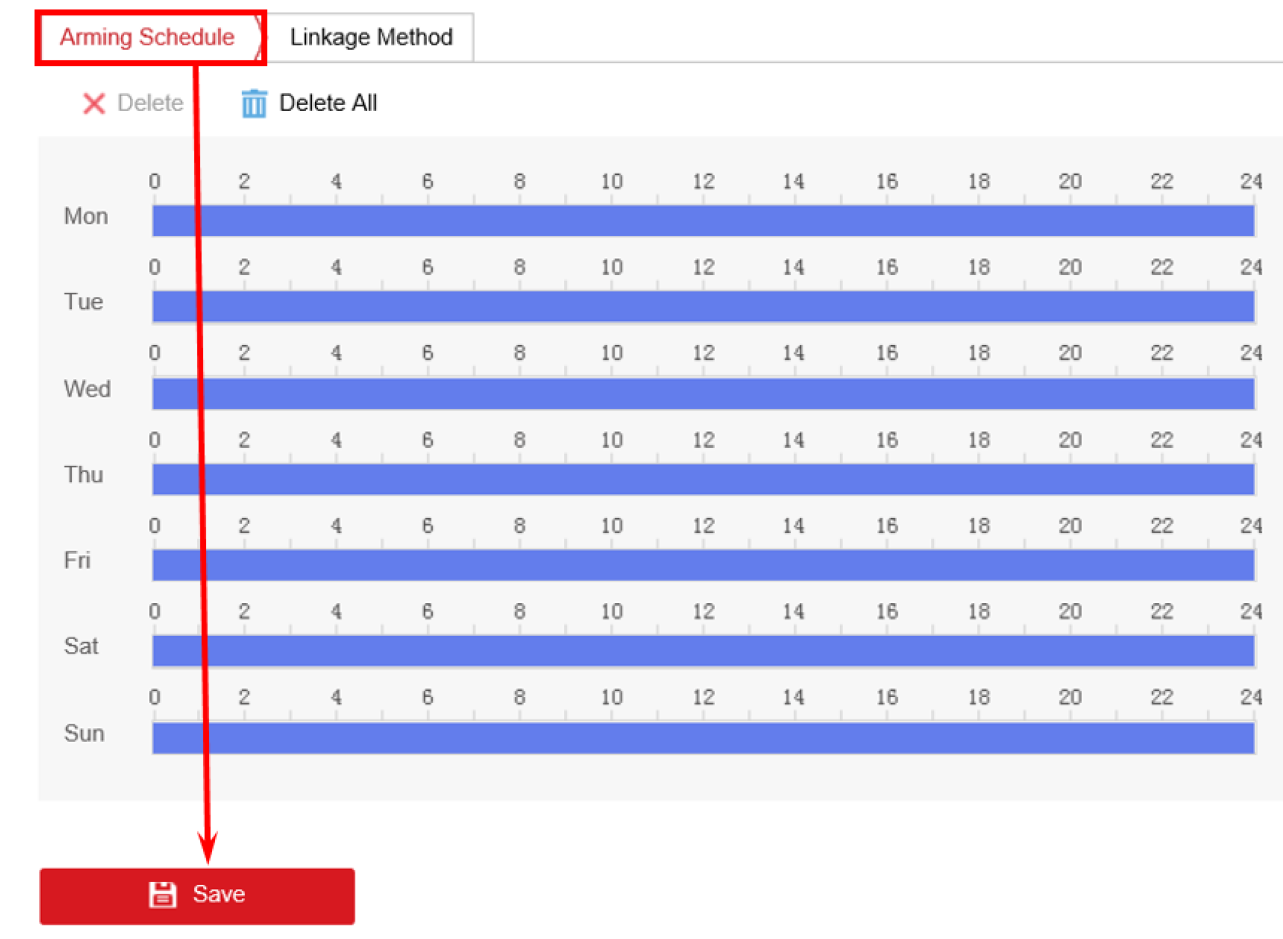
4. Set whole day and all week recording.
5. When there is some body in arming area of PIR, it will have an audio warning.